Algorithms and Process
- programming process
- algorithms - clear plan
- code habits - best practices
Here is a video describing algorithms https://www.youtube.com/watch?v=kM9ASKAni_s
Reminder to keep your file tidy - take advantage of looping and functions! Comment your code! Snowman are due today. Next step is to build a snow family. See the homework description below.
Note that you can set up a window turtle.setup(400,400)
You can hide your turtle
turtle.ht()
You can also use setpos but be careful as this needs to have arguments to make it properly scalable turtle.setpos(0,-250)
And if you are making an assumption about offsetting by a value you may need to use setpos(0 + xpos, -250 * scalefactor + ypos)
Additional note - IDLE keeps your turtle window open, however other IDEs or running command line will draw and close. To keep the window open use turtle commands done() or exitonclick()
My video describing the programming process for this dailies exercise can be found on vimeo or youtube https://youtu.be/RVaENc4Zedo
HOMEWORK Next steps:
- 1. Create a snowman function that takes size or scale as a parameter so you are able to draw your snowman different sizes
- 2. Add the ability to draw the snowman in a position, given x and y as parameters to your function above
- 3. Create a snowman family
Dropbox.com is where you will hand in your files. For Dailies exercises they will be contained in a Dailies folder you create and will follow the naming convention of FirstnameTopic. So for your snowfamily:
Please place your python file into dropbox.com in your Dailies folder where you put your FirstnameInitials.py and FirstnameSnowman folder
Inside Dailies create a folder and name it FirstnameSnowfamily. In that folder will be:
- FirstnameSnowfamily.py
- FirstnameSnowfamily.jpg (or png) which is simply a screen snap of your snowfamily
Dailies exercises are working toward gaining the skills needed for the more formal exercises, 1-4 and those will follow the submission guidelines as specified on the exercise handout.
You have the information to start on the quilting exercise, however completing the snowman family will ensure things go smoothly with the exercise. Have your snowman family ready no later than Class 4. If you want to set your screen size, see above or the examples in Class 02, bottom of the page.
If you are stuck, this video specific to the snowman may be helpful on vimeo and on youtube
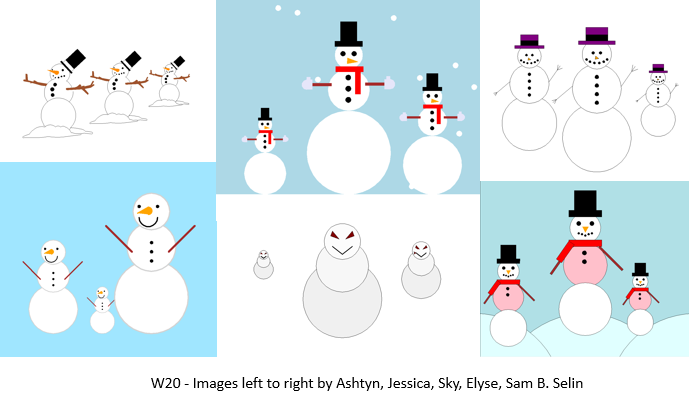
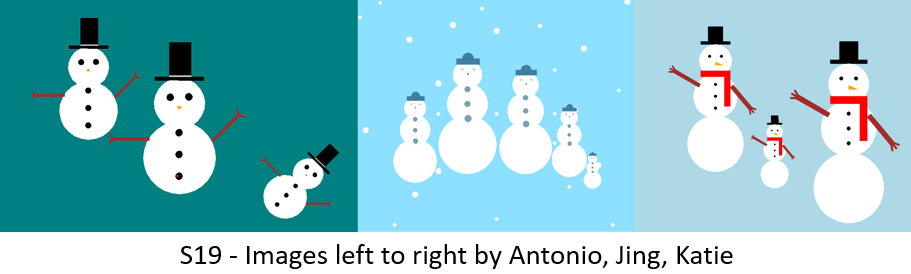
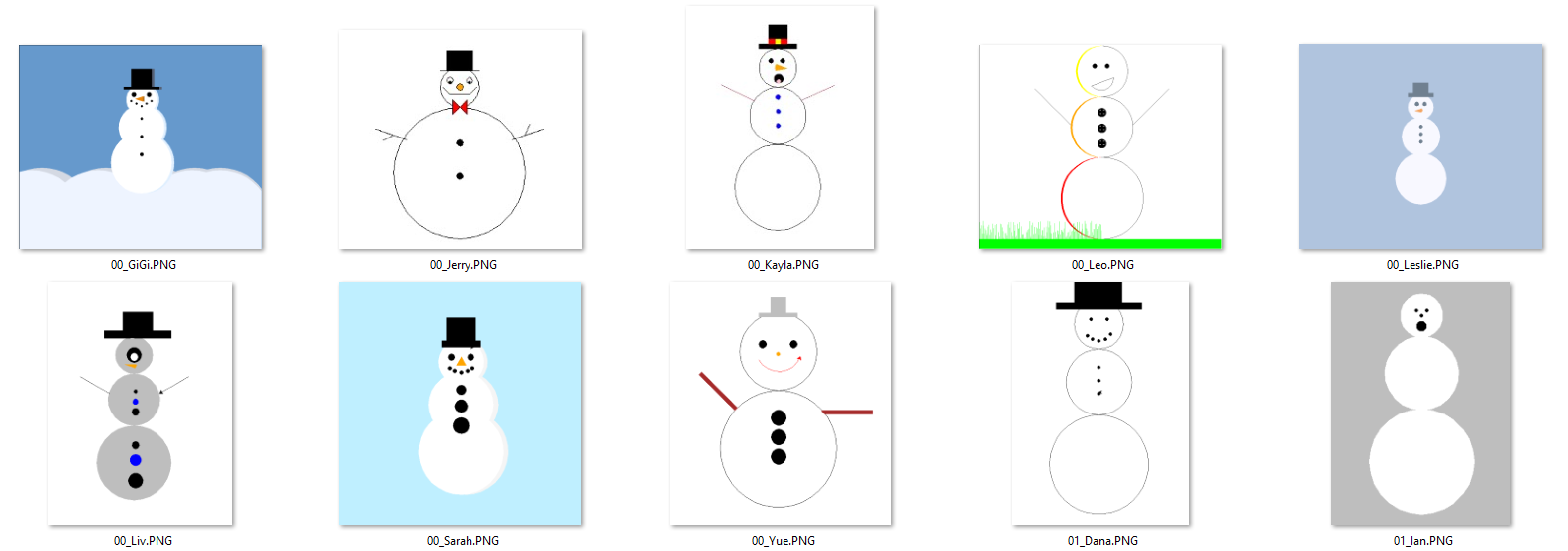
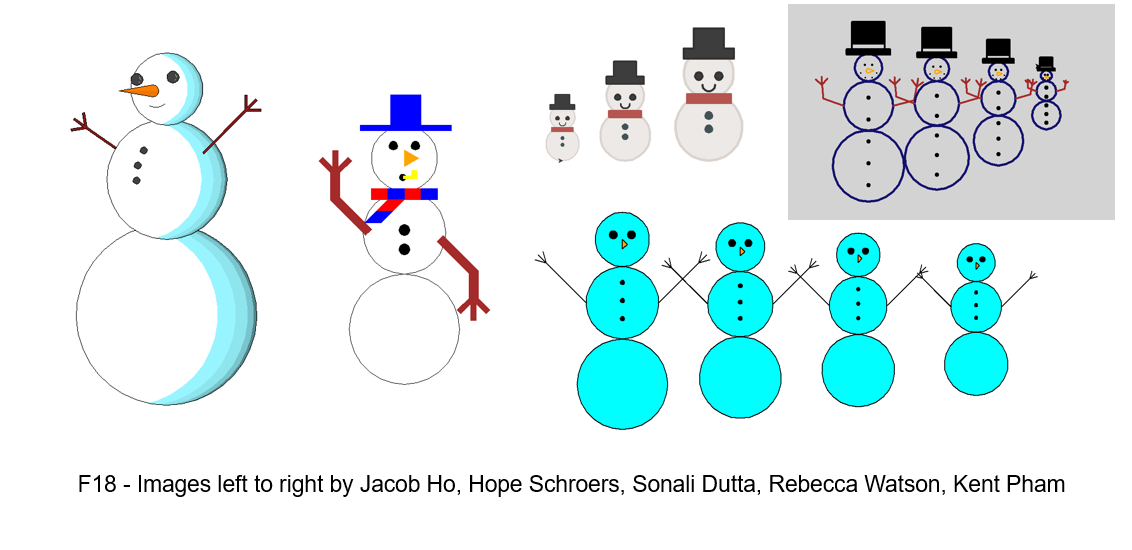
Student Examples (some used external tutorials - please do not, the idea is to challenge your thought process)
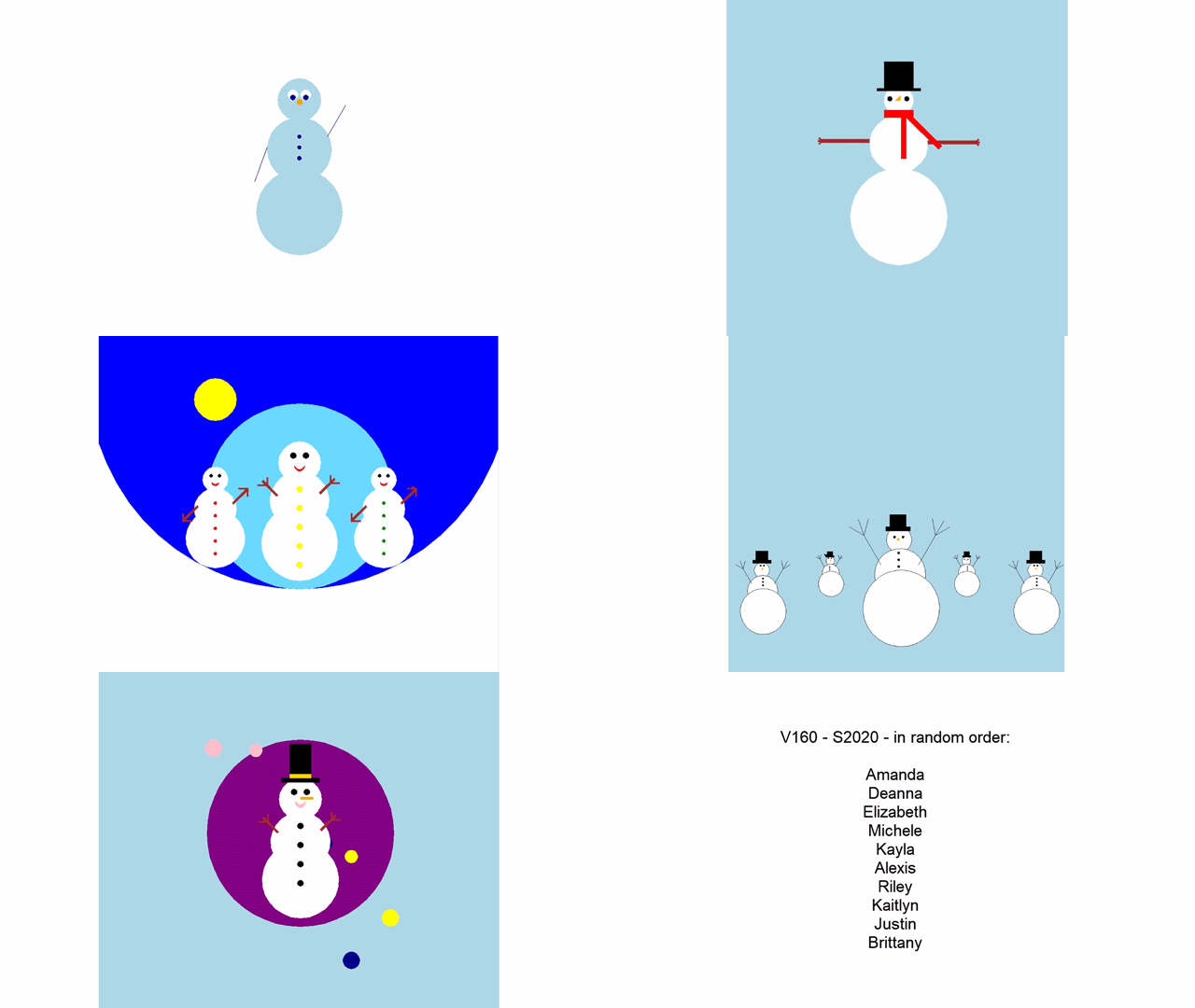
S20 - Amanda, Deanna, Elizabeth, Michele, Kayla, Alexis, Riley, Kaitlyn, Justin, Brittany