Deborah R. Fowler
Houdini Tips & Tricks
Tips and tricks related to modeling, procedural modeling, and procedural animation. Files created by Deborah R. Fowler unless otherwise noted. Click any card to download the sample .hipnc file.
See also the modeling overview section. Remember: model at the origin, there is no delete history, transformation order matters, and where you put your node in the network matters.
Topics A – Z
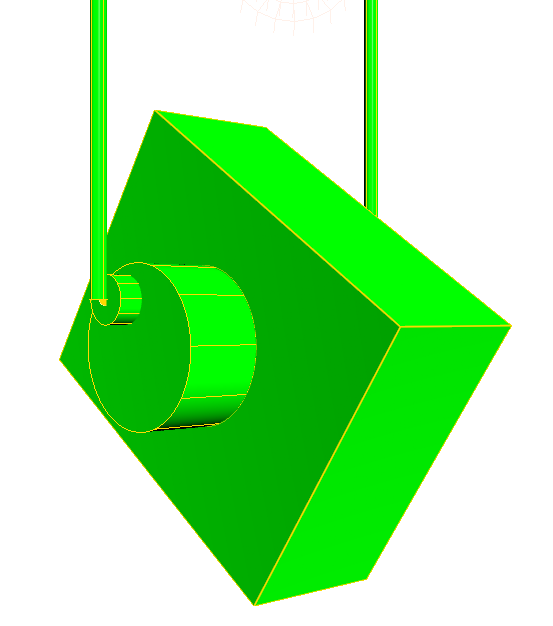
Add Node
Can be used for many purposes; also used in the better roof example.
Nodes

Add Node — Delete Points
Using the add node to delete all but points.
Nodes
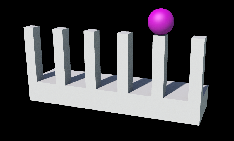
Add Node — Follow Geometry
Using the add node to follow geometry (used extensively with animation).
Nodes
Alembic
Exporting from Houdini via ROP alembic node; reading back using import with the correct path. More information about alembics here.
Nodes
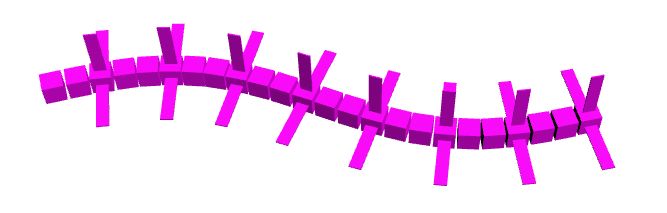
Animation Misc — Curve Movement
Animation
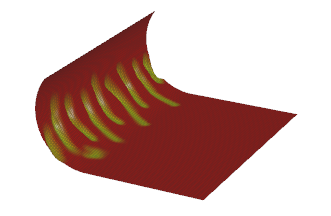
Attribute Paint & Bend Node (H18)
Following Jeff Lait's Masterclass on Attribute Paint. More info here.
Nodes
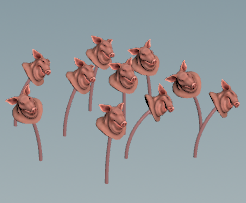
Bend with Variation in For-Each
pigFlower.hipnc (H18.5)
Nodes
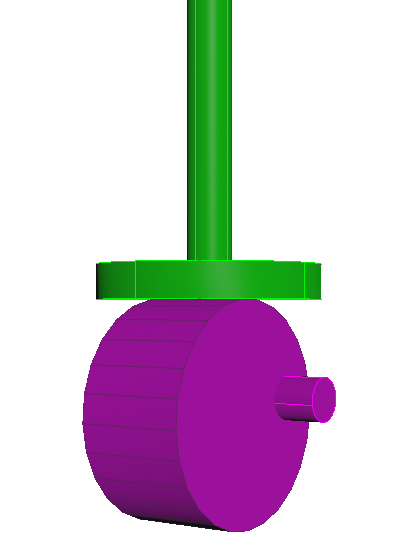
BBox Function
The bounding box function gives access to geometry information (see also intersection analysis).
Scripting
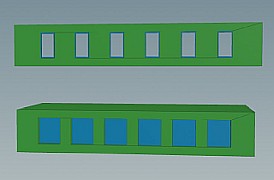
Boolean
booleanExampleH19.hipnc
Modeling
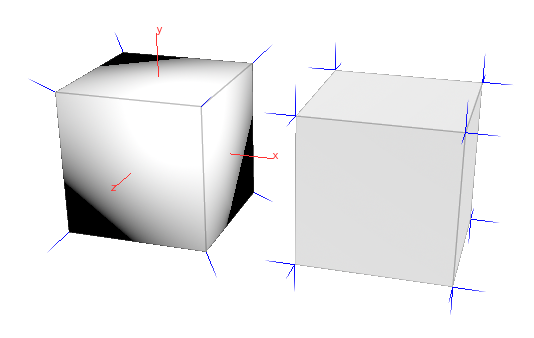
Box (Polygon) Geometry
Fixing soft corners — consolidate points, edgecusp, facet, or vertex. Multiple solutions included.
Modeling
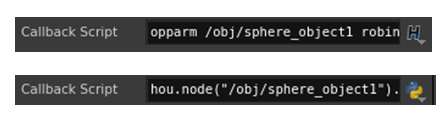
Callback Scripts
Simple hscript and Python callback examples. A more advanced Python version exists on my Python page (see Adding callback scripts). Another example: DoorPlacementWithCallback.zip.
Scripting
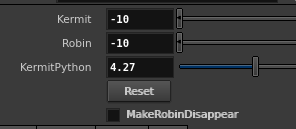
Callback — Reset GUI Parameters
Reset parameters via callback; includes how to hide a parameter based on another.
Scripting
CHOPS Hints
The limit node and a mathematical approach to flattening the peak of a sine curve.
Animation
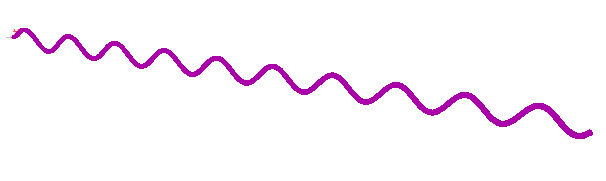
CHOPS — Build Geometry from Curve
Using CHOPS with pointwrangle and op: format to build geometry from a curve (H18).
Animation
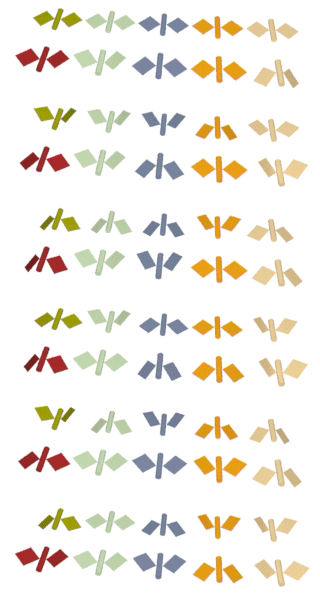
CHOPS — Wing Animation
Simple wing animation comparing CHOPS with expressions (H18).
Animation
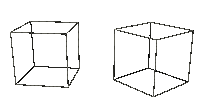
CHOPS — Combine for Pause Effect
CHOPS combine to create a pause effect on a sine function.
Animation
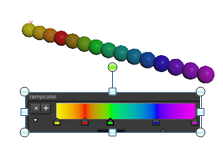
Chramp — Color Function
chramp color function, additional file for H19.5.
Scripting
Chramp — Float Function
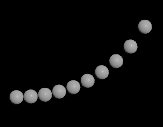
chramp float in both hscript and VEX (H19.5).
Scripting
Clip Node
Nodes
Color Node + Attribute Create
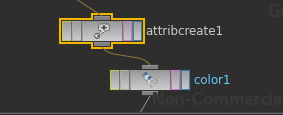
Similar control to the chramp example; combine color node with Attribute Create.
Nodes
Color Variation — For-Each
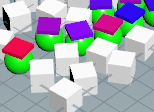
exampleOptionsColorVariation.hipnc (H18.5). See also looping overview.
Nodes
Color Variation — Tint Texture
colorVariation.hipnc (H18.5).
Nodes
Complex Scenes
Complex Scenes
Tips for complex scenes, includes brief render description.
Nodes
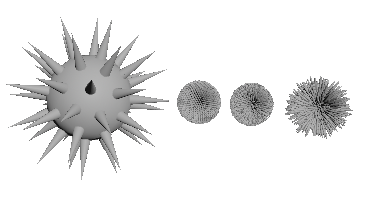
Copy Node — Simple Examples
Remember to use packed primitives or instancing.
Nodes
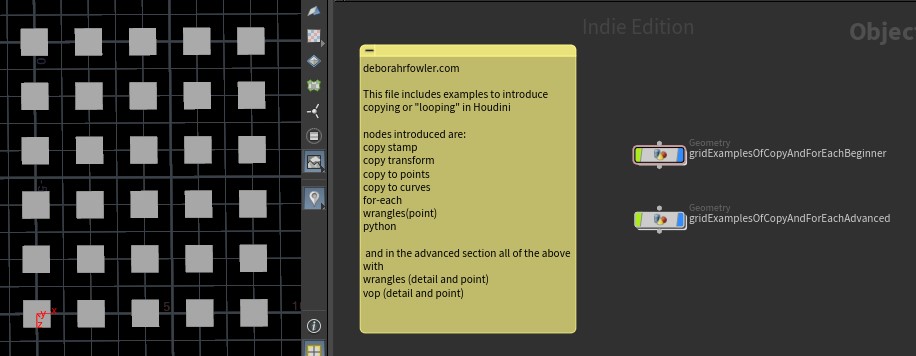
Copy Node Overview
For beginners (v19.5).
Nodes
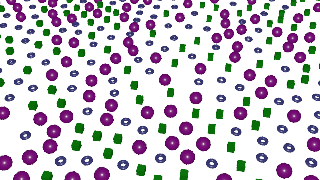
Copy Node — Variation Without Stamping
Nodes
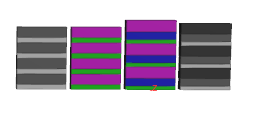
Copy by For-Each — Differing Floor Sizes
Similar to the snowman/building pointwrangle example.
Building
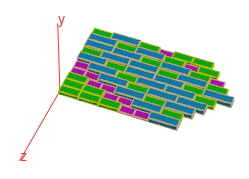
Copy by For-Each — Differing Width
Similar to above but with building-style varying widths.
Building
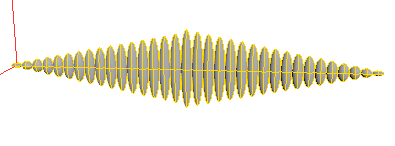
Copy — Increase/Decrease (For-Each)
forEachIncreaseDecrease19.5.hipnc
Nodes
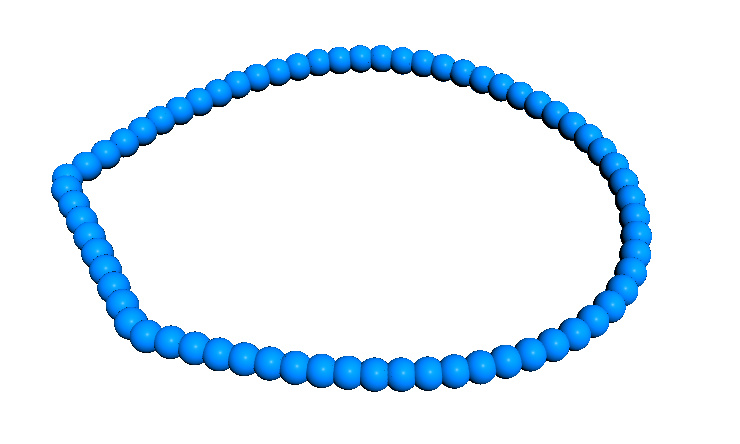
Creep SOP
Hint — inside this file is a link to a forum post where they create a chain. See also more on creep here.
Nodes
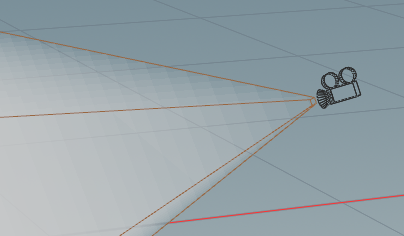
Cull Geometry by Camera Frustrum
Volume example. See also Complex Scene Tips.
Nodes
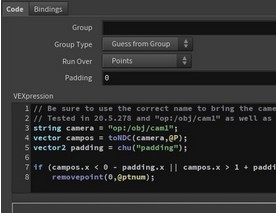
Cull Geometry by Camera Frustrum in VEX
VEX example. See also Complex Scene Tips.
Nodes
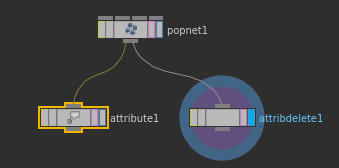
Delete Attributes
Delete attributes or use Attribute Rename.
Nodes
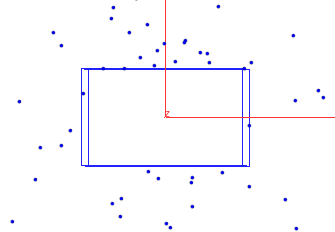
Delete or Blast
Delete or blast including second input for bounding geometry.
Nodes
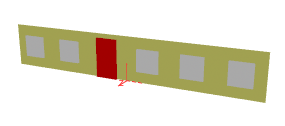
Door Placement
Based on copynum, or fancier version using callbacks.
Building
Edgecusp
Edgecusp, facet, and vertex can all be used to sharpen edges by uniquing their points and recomputing point normals. See also stairsFromSidefxDocumentation.hipnc.
Modeling
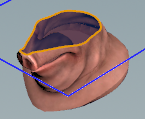
Labs — Grab an Edge
With SideFXLabs loaded, use edge group to curve to create geometry from an edge.
Nodes
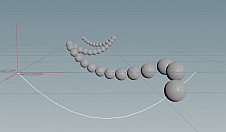
Follow Path Constraint
Shelf tool — pathCurveFollow.hipnc.
Animation
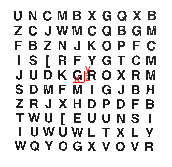
Font Node — Randomize Characters
Expressions for randomizing alphabetical characters.
Nodes
For-Each Overview
For-Each Nodes Overview
Multiple example files at Overview-Looping.html.
Nodes
For-Each
For-Each — Vary Stacks
loopForEachVaryStacks.hipnc
Nodes
For-Each
For-Each — Random Line Length
randLineLength.hiplc
Nodes
For-Each
For-Each — Random Line Length with Sweep/Polyspline
randLineLengthMore.hiplc — using sweep and polyspline nodes.
Nodes
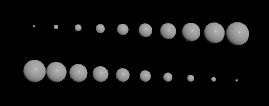
For-Each — Scale Up/Down
foreachScaleUpDown.hiplc
Nodes
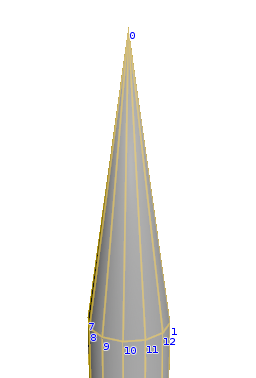
Fuse Node
Removes duplicate points. Note: H18 fuse behavior has changed.
Nodes
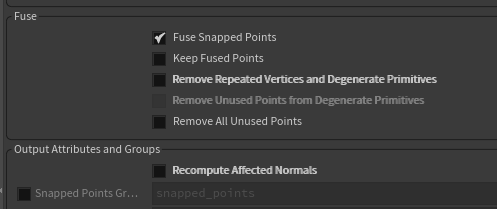
Fuse Node — H18
Turn off everything except Fuse Snapped Points.
Nodes
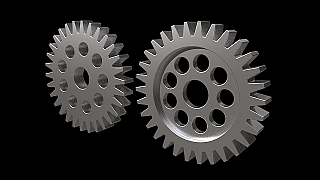
Gears
Example using polyextrude, boolean, and groups.
Modeling
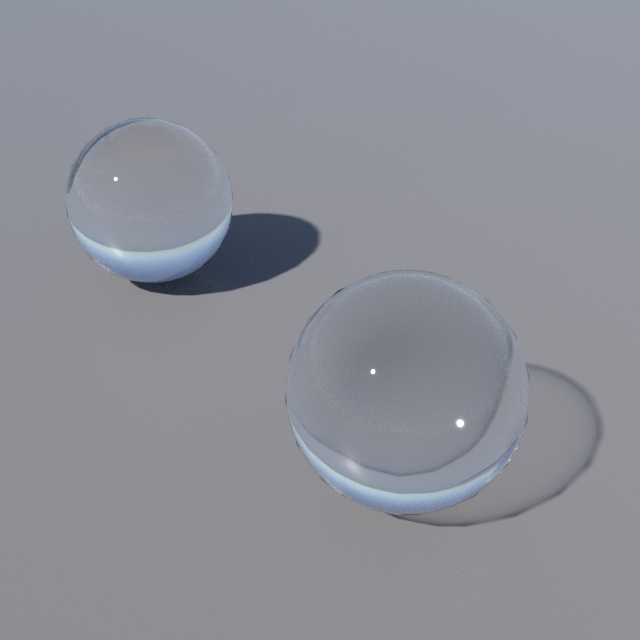
Glass
Dealing with Glass? check out the troubleshooting page.
Modeling
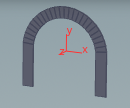
Groups
Groups can be very useful — groupsH16.hipnc.
Nodes
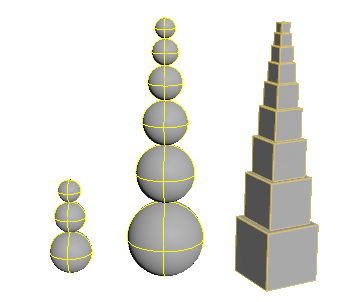
Hscript — Multi-line & For Loop
Including multi-line comments and for loop in a parameter expression. snowmanOrShrinkingTower.hipnc. There is a very useful forum post here as well.
Scripting

Hscript — Modular Version
Extension of shrinking tower to a modular version.
Scripting
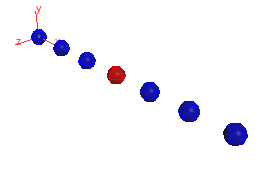
Hscript — C++ Style & PointWrangle
Introducing C++-like hscript alongside pointWrangle (lecture example).
Scripting

Hscript vs Python
comparePythonExpressions15.5.565.hipnc
Scripting
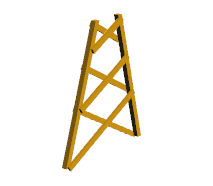
Intersection Analysis
forestTowerLegs.hipnc
Nodes
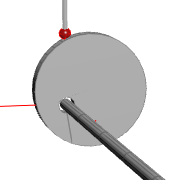
Intersection Analysis — Procedural Animation
WoodenAutomataHint.hipnc
Animation
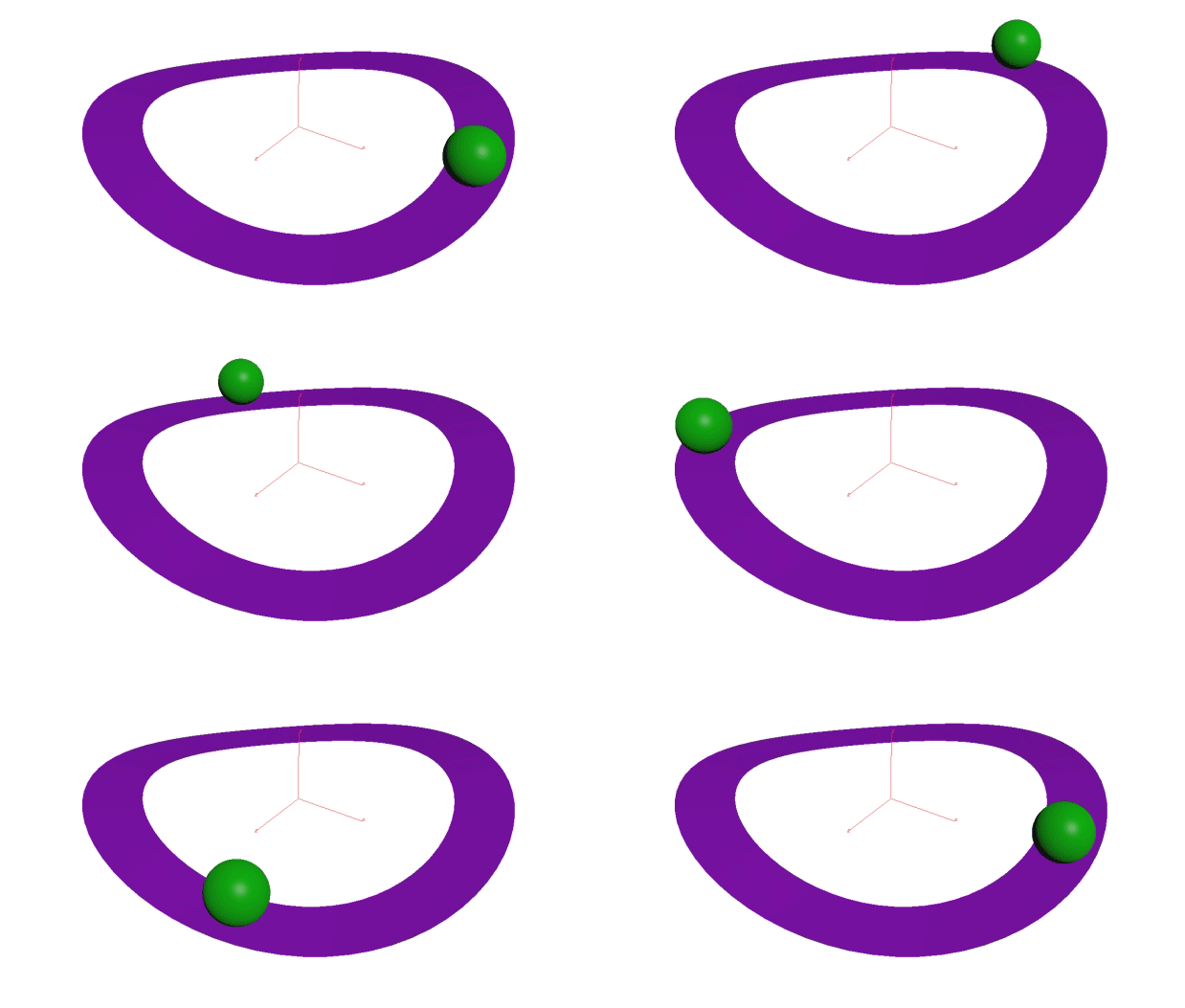
Intersection Analysis — Animated
intersectionAnalysis.hipnc
Animation
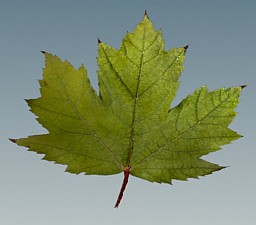
Leaf
Simple grid with texture detail — Leaf.hipnc.
Modeling
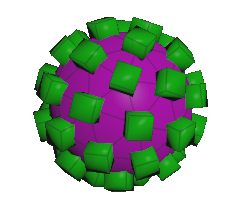
Object Merge
Useful for tidy networks and referencing geometry without bringing all nodes into the container.
Nodes
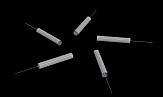
Orient — PointWrangle
Orient objects or profiles to a curve using pointwrangle.
Orientation
▶ Video
Orient to Curve — Video (H18)
Vimeo tutorial on orienting objects to a curve in Houdini 18.
Orientation
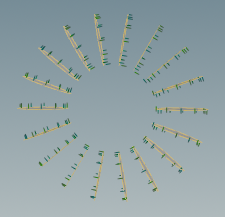
Orient — PolyFrame
Orient PolyFrame from the video tutorial.
Orientation
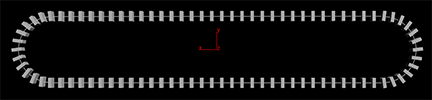
Orient — PolyFrame vs PointWrangle
Both work; choose based on your need for metadata. For the pointwrangle approach see WrangleNodeExampleCalculateVectors.
Orientation
Copy to Curves
Orient — Copy to Curves Node
polyframeVSpointwrangleNCopyToCurve.hipnc (H18+). If you need metadata, use orientAlongCurve.hipnc instead.
Orientation
Orient Along Curve
Orient Along Curve
If you need metadata, instead of copy to curves use orientAlongCurve.hipnc (H19+) and copy to points.
Orientation
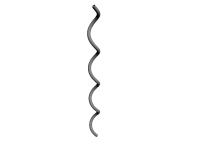
Polyframe — Your Friend
Orientation

Orient Along a Circle
orientToCircle.hipnc
Orientation
Paint Layout
Paint Node — Layout
Very powerful technique, especially combined with the scatter node.
Nodes
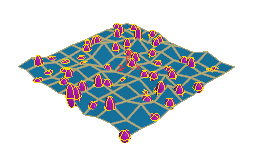
Point Function
An extremely useful function to access more geometry information.
Scripting
Points from Volume
Points from Volume
More info at Nodes-PointsFromVolume.html.
Nodes
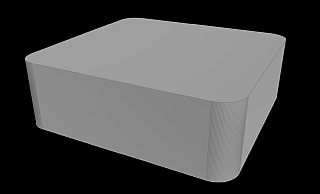
Polyfill (Polycap)
roundedFace.hiplc (H19).
Modeling
Polyextrude
Polyextrude
More info at Nodes-Polyextrude.html.
Nodes
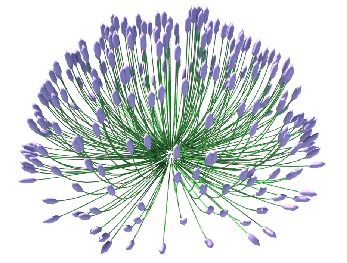
Polyspline
lavenderH19.hipnc
Nodes
Post Placement
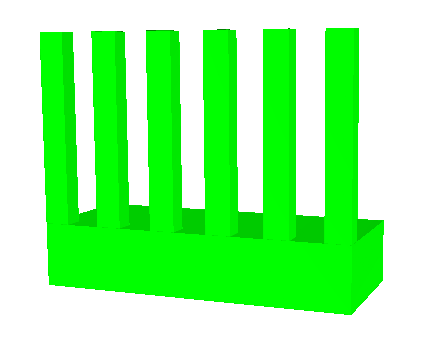
Building — placing posts on a platform from edge or center.
Building
Rand — Seed Variation
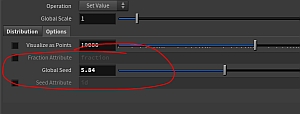
Seed can vary via point wrangle, create attribute, attribute randomize (H19).
Scripting
Roof — Fancy
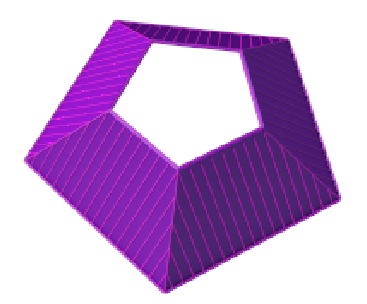
roofsFancy.hipnc and roofsFancyMore.hipnc with a ramp-controlled version.
Building
Sample Windows
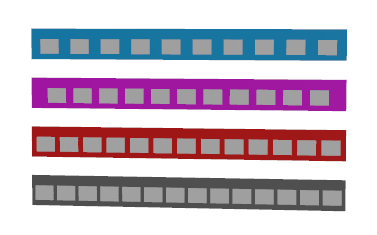
Building — windows using expressions, lines, and pointwrangles. See also Building Overview.
Building
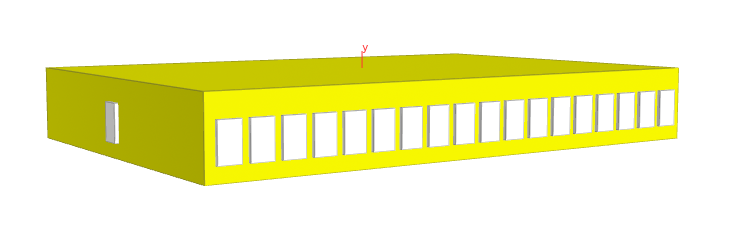
Sample Side Windows (Depth)
Building — side window on depth, two solutions using expressions and lines.
Building
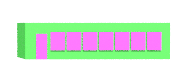
Sample Side Door
Building — side door using lines (H18). More on the point wrangle version.
Building
Scatter
Scatter Node
Very useful for layout, especially combined with the paint node. Can also scatter in a volume using isooffset or pointsfromvolume.
Nodes
Side Justify
Sample Side Justify
sideJustify.hiplc
Building
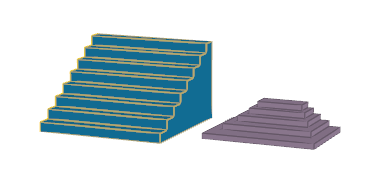
Stairs
stairs.hipnc
Building
Switch
Switch Node
switchNodeExample.hipnc
Nodes
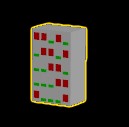
Switch — Random Windows
fit01, rand — switchExampleRandWindows.hiplc
Building
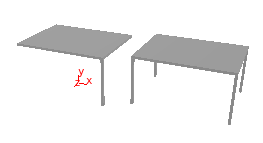
Table Legs
Using ch reference — tableLegs.hipnc.
Building
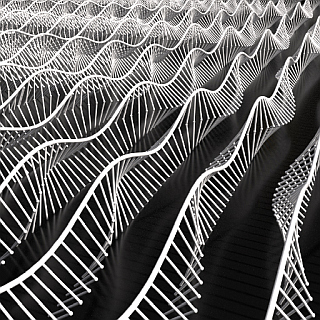
Timeshift
Click for more info at Nodes-Timeshift.html.
Animation
Transform Order
Transformation Order
Model at the origin, not off in space. Transformation order matters.
Modeling
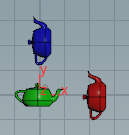
Transform Teapots
Order matters — TeapotTransforms.hipnc (H18.5).
Modeling
Trim / Cookie
Trim vs Cookie
NURBS: project, trim, bridge, and skin. Simple and complex examples — trimCurves.hipnc and trimmedNurbVersusCookie.hipnc.
Modeling

Tube Geometry
wheel.hipnc
Orientation
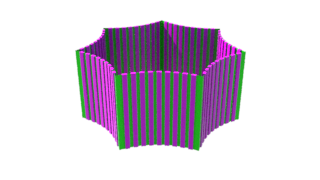
Tube — Copy onto Curves
Copy onto curves configured in any tube shape.
Orientation
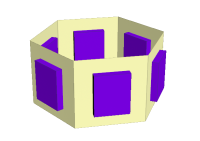
Tube — Center of Each Face
Facet node used — tubeWindowCopy.hipnc.
Orientation
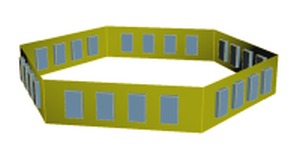
Tube — Copy Detail with Lines/Expressions
Measure node used — tubeWindowCopyDetail.hipnc.
Orientation
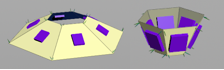
Tube — Angled
Works for angled tubes too (facet node, tube node) — tubeWindowCopyAngled.hipnc.
Orientation
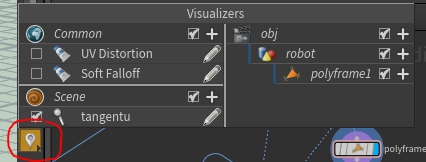
Visualize an Attribute
See also second example.
Nodes
No topics match your search.